
5 min read

Creative QA Checklist: 7 Essential Pre-Launch Checks

Creative QA Checklist: 7 Essential Pre-Launch Checks

Once creative goes live, even the smallest mistake can become expensive. A broken CTA or poorly cropped video can waste media spend, damage brand credibility, and undermine weeks of campaign preparation.

With campaigns spanning multiple platforms, formats, and creative variations, the stakes are higher than ever.

We've put together this seven-step creative QA checklist to help teams streamline final reviews and launch campaigns with confidence.

Table of contents

What is creative QA, and why does it matter?
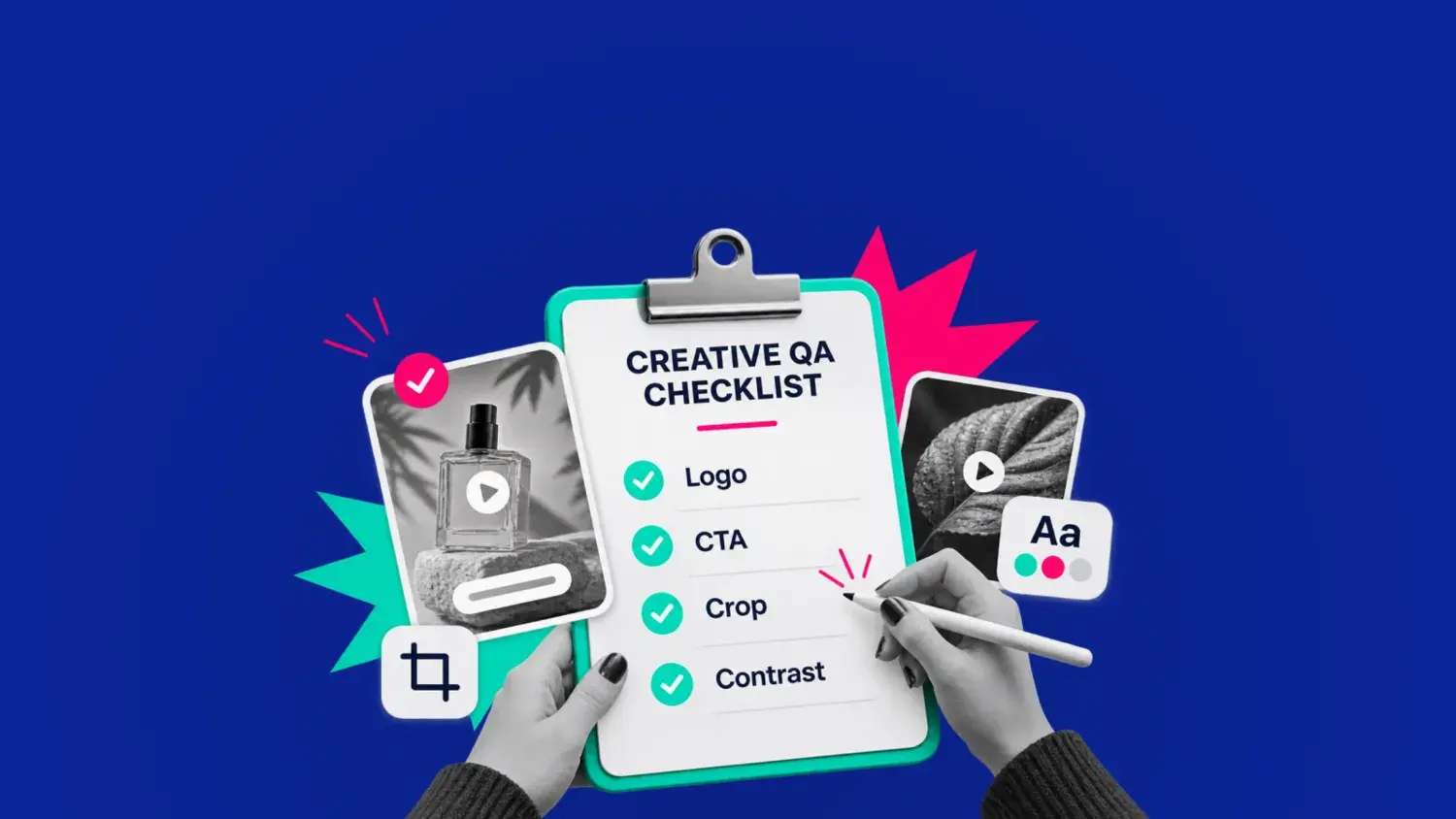
The pre-launch creative QA checklist
How to make creative QA more effective with creative intelligence

What is creative QA, and why does it matter?

Creative quality assurance, or QA, is the process of reviewing advertising assets before launch to ensure they meet campaign requirements, brand guidelines, platform specifications, and compliance standards.

The goal of QA is simple but important: It’s the final checkpoint to prevent errors from reaching live campaigns, protecting the audience experience and reducing the risk of costly launch delays.

There are a couple of nuances at play with terminology:

  • Creative approval confirms that an ad meets stakeholder expectations
  • Creative scoring evaluates the attributes that may influence an ad's performance. An ad can pass every QA check and still struggle to capture attention or drive conversions. Vidmob's Creative Scoring helps bridge this gap by assessing creative against established brand and platform guidelines, highlighting opportunities for improvement before launch.
  • Creative QA focuses on launch readiness, ensuring that the final assets meet the requirements for pushing live

So, how can teams make sure nothing gets overlooked? The following seven-point checklist covers the essential checks to complete before an ad goes live.

The pre-launch creative QA checklist

A thorough creative QA review covers seven key areas, from verifying campaign messaging to checking how the final assets display across platforms and placements.

Use the checklist below to identify issues before any creative goes live.

QA area What to check
Campaign brief Audience, objectives, messaging, and offers
Visuals and copy Headlines, imagery, video, carousel sequencing, and CTAs
Brand and accessibility Brand guidelines, text legibility, and video captions
Formats and placements File types, dimensions, cropping, playback, and safe areas
Compliance Claims, disclosures, licensing, and permissions
Landing pages and tracking Destination URLs, message consistency, and measurement
Final approvals Asset versions, outstanding corrections, and sign-off


1. Check the creative against the campaign brief

Compare the final ad against the approved campaign brief. Even small discrepancies between the original requirements and finished creative can lead to misleading messaging, unnecessary revisions, and frustration among clients or internal stakeholders.

Check that:

  • The creative reflects the intended campaign objective and target audience
  • Product information, promotional offers, pricing, and dates are accurate
  • The core message matches the approved campaign positioning
  • Static images, carousel cards, and video variations communicate a consistent offer

A strong QA process also starts with a well-informed brief. You can use campaign creative analytics to incorporate learnings from previous campaigns, which can help teams establish clearer creative requirements from the outset.

2. Review visuals, messaging, and calls to action

Creative QA should assess how clearly an ad communicates its message, particularly in fast-moving environments such as Instagram Reels, TikTok, and YouTube Shorts.

Check that:

  • Messaging: The primary message is understandable, with accurate headlines, captions, and on-screen text.
  • Visuals: Imagery is clear, appropriately cropped, and free from distracting elements
  • Video: The opening frames establish the message quickly, without unnecessary delays or awkward transitions.
  • Carousels: Cards appear in the intended order with the full set present and communicate a coherent message when viewed together.
  • CTAs: Calls to action are visible, specific and aligned with the campaign objective.

Review the ad in the format you expect your audience will see it. It might look great on your high-end desktop, but does it translate to a smartphone without impacting the experience?

3. Verify brand consistency and accessibility

Brand consistency should never come at the expense of accessibility. An ad can follow every brand guideline and still be difficult to read or understand, particularly on smaller screens or when viewed without sound.

Check that:

  • Logos, colors, typography, and visual treatments follow brand guidelines
  • Text remains legible against background imagery, including on smaller mobile screens
  • Video captions are accurate, synchronized, and readable when sound is disabled
  • Important information isn't communicated through color or audio alone
  • Relevant accessibility requirements have been considered

For teams managing large volumes of creative, Vidmob's Creative Scoring can help assess assets against defined brand guidelines and creative best practices. This provides an additional layer of consistency when reviewing ads across different campaigns, formats, and markets.

4. Test formats, crops, and video playback

An ad that looks correct in a design tool may display differently once uploaded to Meta, TikTok, LinkedIn, or Google Ads. Each platform has its own requirements for creative dimensions, file types, and placements.

Check that:

  • Static images: JPG or PNG files meet the required dimensions, resolution, and file size limits
  • Vertical video: 9:16 assets intended for Instagram Reels, Stories, or TikTok keep important text and visual elements within placement safe areas
  • Carousel ads: Every card displays correctly, follows the intended sequence, and uses the appropriate headline and destination URL
  • Video files: MP4 or other supported formats play correctly, with synchronized audio, accurate captions, and no unintended black frames
  • Responsive display ads: Images, logos, and headlines remain readable when Google Ads combines assets into different configurations

Always preview final exported assets in their intended advertising placements rather than relying exclusively on design files. Never assume that an asset optimized for one platform or placement will display correctly across others.

5. Check compliance, claims, and usage rights

Compliance issues can result in rejected ads, campaign delays, or, in serious cases, reputational damage. QA reviews should account for both advertising platform policies and applicable legal requirements.

Check that:

  • Product claims, statistics, and promotional statements are accurate and substantiated
  • Required disclaimers and disclosures are present and legible
  • Images, music, footage, and testimonials have appropriate commercial usage rights
  • Creative meets relevant platform advertising policies, including Meta and Google Ads requirements
  • Ads involving regulated products or sensitive claims have received the necessary specialist approval

Where claims, permissions, or regulatory requirements are unclear, always seek guidance from the appropriate legal or compliance team before approving the creative. The whole point of QA is to resolve potential issues and prevent an ad being rejected or withdrawn after launch.

6. Verify landing pages, links, and tracking

Creative QA extends to the experience audiences encounter after interacting with an ad. A compelling creative can still waste media spend if it directs users to an incorrect or poorly functioning destination.

Check that:

  • CTA links direct users to the correct landing page or product destination
  • Individual carousel cards use the intended destination URLs where supported
  • Landing pages load correctly on mobile and desktop
  • The destination reflects the offer and messaging presented in the creative
  • UTM parameters are correct, and relevant conversion tracking has been verified

If you think tracking or technical setup needs further verification, involve the paid media or analytics team to confirm everything is functioning as intended.

7. Confirm final assets and approvals

The final check establishes that the assets being launched are the same versions that were reviewed and approved.

Check that:

  • All required creative variations and platform-specific exports have been reviewed
  • The latest approved copy, imagery, and video files are being used
  • Outstanding corrections have been implemented and rechecked
  • Required stakeholder approvals have been recorded

Even minor last-minute changes can introduce new errors, so always verify the final exported assets after revisions, regardless of whether earlier versions were approved.

How to make creative QA more effective with creative intelligence

A structured QA checklist helps prevent avoidable errors, but the standards teams use to review creative shouldn't remain static. As campaigns generate new performance data, those insights can refine what teams look for before approving future ads.

Vidmob uses AI-powered creative intelligence to analyze advertising assets and connect creative attributes with campaign performance. By identifying which elements are associated with stronger results across different audiences, platforms, and placements, Vidmob helps teams refine creative briefs, strengthen QA criteria, and apply learnings from previous campaigns more consistently.

By combining thorough pre-launch QA with evidence-based creative intelligence, teams can solidify their review process and make more informed decisions about the creative they put into market.

Catch costly creative issues before they reach live campaigns.

Explore Vidmob's AI-powered solutions to see how performance insights can help your team strengthen QA standards and maintain creative consistency at scale.

Book a demo  →


10 Hot Spots to Check Out During Advertising Week NY

10 Hot Spots to Check Out During Advertising Week NY

It’s (almost) the most wonderful time of the year – for us in creative advertising! Advertising Week New York will take New York City by storm...
Read More
How Cross-Channel Creative Analytics Creates a Unified View of What Works

How Cross-Channel Creative Analytics Creates a Unified View of What Works

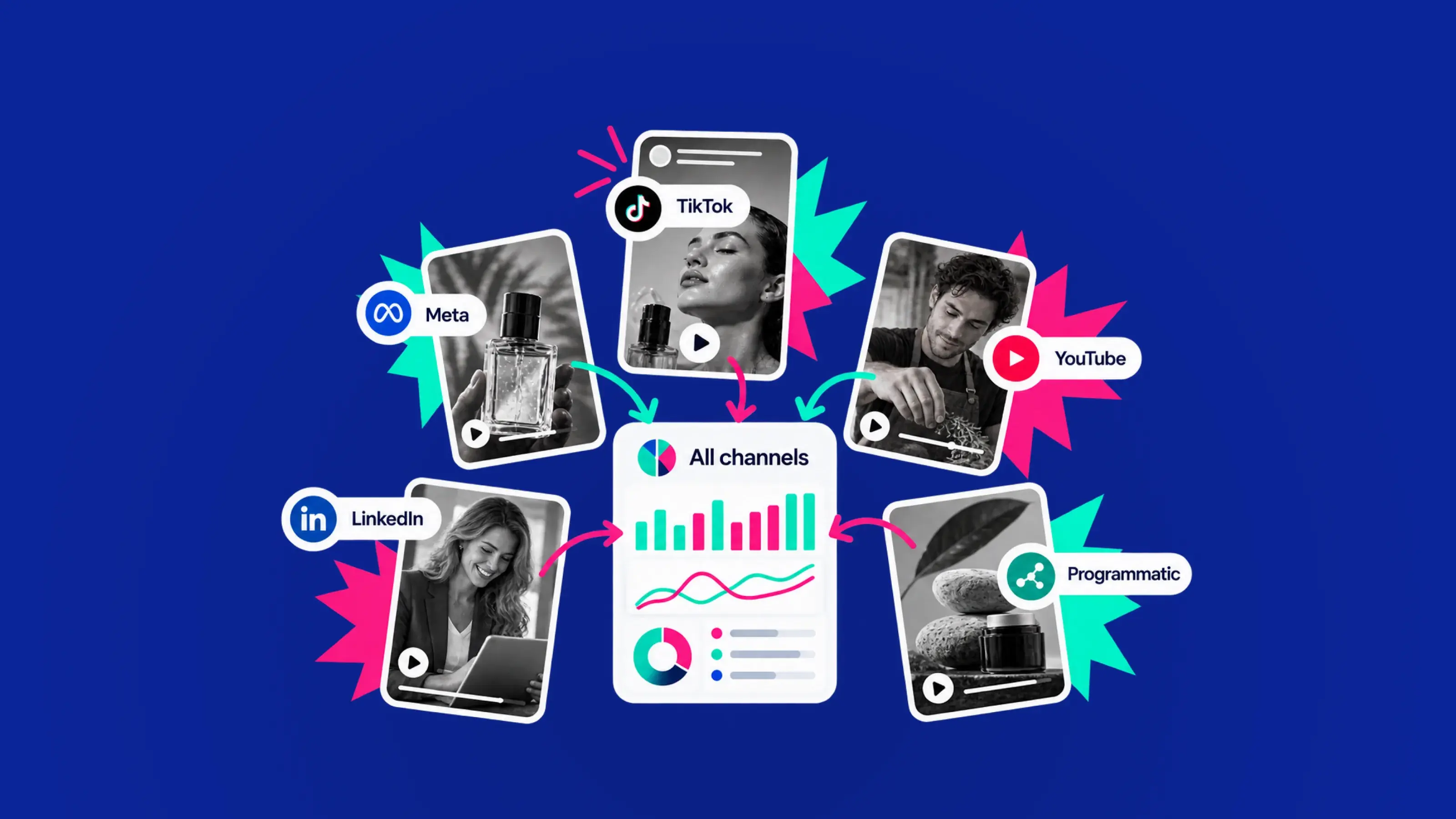
Creative performance gets fragmented fast. If you’re running ads across Meta, TikTok, YouTube, LinkedIn, Google Ads, and programmatic at the same...

Read More
Better, Faster, Cheaper. Sure, But How?

Better, Faster, Cheaper. Sure, But How?

We all agree better, faster, cheaper is an attractive proposition. But this is one of those things that’s really easy to say and very hard to do.

Read More